
For the home computer
Discuss the Windows PC used for everyday work, personal files and online tasks. A managed service offers a support route without requiring you to coordinate separate security products.
VISINVOKE Security
Professional-grade protection, ongoing management, continuous monitoring and email support for your supported Windows PC.

More than another protection purchase
A protection product is only one part of looking after a computer. Managed PC Protection brings protection, management, monitoring and a support contact together around the Windows PC you use.
Discuss the Windows PC used for everyday work, personal files and online tasks. A managed service offers a support route without requiring you to coordinate separate security products.
Your computer supports client work, communications and project files. Bring its protection into a continuing service while keeping your own backups and careful account-security practices.
The service model covers supported Windows desktop and laptop computers. Explain which devices you need protected so setup can be discussed for each actual PC.
Tell VISINVOKE how many computers you want to include. The monthly price is per active supported PC, so the scope stays understandable as you discuss your devices.

Ongoing attention
The current service combines professional-grade protection with ongoing management, continuous monitoring and email support. You have a clear place to raise questions about the protected PC.
Confirm the setup and responsibilities for your computer with VISINVOKE. Management supports safer computing; it does not remove the need for backups or careful everyday decisions.
Start with your actual computers
Use the implemented enquiry route to explain what you need. Agree the suitability and setup for the intended computers before treating a service as active.
Open the pre-filled enquiry email. Include the number of computers, your country and useful device details, including whether each is a desktop or laptop.
Discuss your Windows computers, existing protection and intended use. Confirm compatibility, setup requirements, service terms and the computers to be included.
Use the instructions provided for the specific computer. An email enquiry, account registration or a marketing-page visit is not proof that protection has been installed.
Email VISINVOKE with service questions and relevant device information. Do not send account passwords, private keys or other credentials in your enquiry.
A clear service offer
Understand what is included, how the service is priced and how to start. Each part has a practical role around the computer being protected.
A managed protection service for supported Windows computers, rather than asking you to coordinate separate protection products yourself. Discuss the intended PC and its current security setup with VISINVOKE.
VISINVOKE manages the service around the protected computer. Confirm the setup and ongoing service scope by enquiry so responsibilities are clear from the beginning.
Monitoring is part of the managed service, helping keep attention on the protected computer over time. It is not a guarantee that every threat will be prevented or an emergency-response promise.
Contact VISINVOKE by email when you need help with the service. Keep device details and a clear description of the issue ready, without sending passwords or other credentials.
Discuss protection for your supported Windows desktop or laptop. Suitability and installation requirements need to be confirmed for the actual computer, not assumed from its name alone.
Managed PC Protection is US$9.99 per active supported Windows PC, per month. The service is separate from free VISINVOKE utilities and from Track, Lock & Wipe.
Start with the number of computers, your country and any relevant setup information. Sending an enquiry opens the conversation; it does not automatically install protection or place an order.
Use your VISINVOKE account to reach the Security area. Account registration and opening a product page do not, by themselves, mean a computer is protected.

Device-specific setup
Describe the Windows desktop or laptop you want protected and any software already looking after it. Confirm what is needed before changing an existing security setup.
Follow the agreed instructions for that named computer. Creating a VISINVOKE account alone does not install protection or make the service active.
A straightforward monthly model
Managed PC Protection is a paid continuing service, separate from your free VISINVOKE account and local utilities. Confirm setup requirements and applicable terms by enquiry.
The monthly price applies to each active supported Windows computer with Managed PC Protection. For two active PCs, the service price is US$19.98 per month.
Professional-grade protection, professional management, continuous monitoring and email support. Enquire to confirm the practical setup and scope for your intended computers.
Track, Lock & Wipe is not included in this price. It serves a different loss-and-theft purpose and has its own product page and enquiry route.
Discuss the computers, your location, setup requirements and service terms with VISINVOKE. The enquiry button opens an email; it is not an instant checkout or installer.
A considered part of safer computing
Security works best when the service and your own practices fit together. Know where computer protection helps and where a separate approach is still needed.
No service can promise that every threat or incident will be prevented. This page does not claim perfect protection, guaranteed ransomware recovery or emergency response times.
Maintain copies of important files on storage you control. Computer protection does not replace a backup and recovery approach, and it is not a promise to restore lost files.
Use strong account security and take care with downloads, links and unexpected requests. A managed service does not make every message, website or file safe.
Discuss replacement computers, existing protection or a change in requirements with VISINVOKE. Do not assume a new or changed device is covered merely because you have an account.

Keep service questions connected to VISINVOKE. Email support is included, with device-specific information helping make your enquiry useful.
The monthly price is tied to an active supported PC. Discuss the actual computers you need included rather than guessing at a bundle.
Managed PC Protection concerns ongoing computer protection. Loss-response tools and file-copying utilities have different jobs and remain separate.
Your VISINVOKE account connects you to the Security area and wider collection. A free account is not the same as an active paid protection service.
Build a considered toolkit
Each card opens that product’s own website. Use its details to understand how it complements your workflow, without treating it as part of this protection subscription.

A separate service focused on the loss or theft of a prepared computer.
Open your supported Windows products from one connected VISINVOKE account.

Copy named folder projects to your own selected storage, with exclusions and run reports.
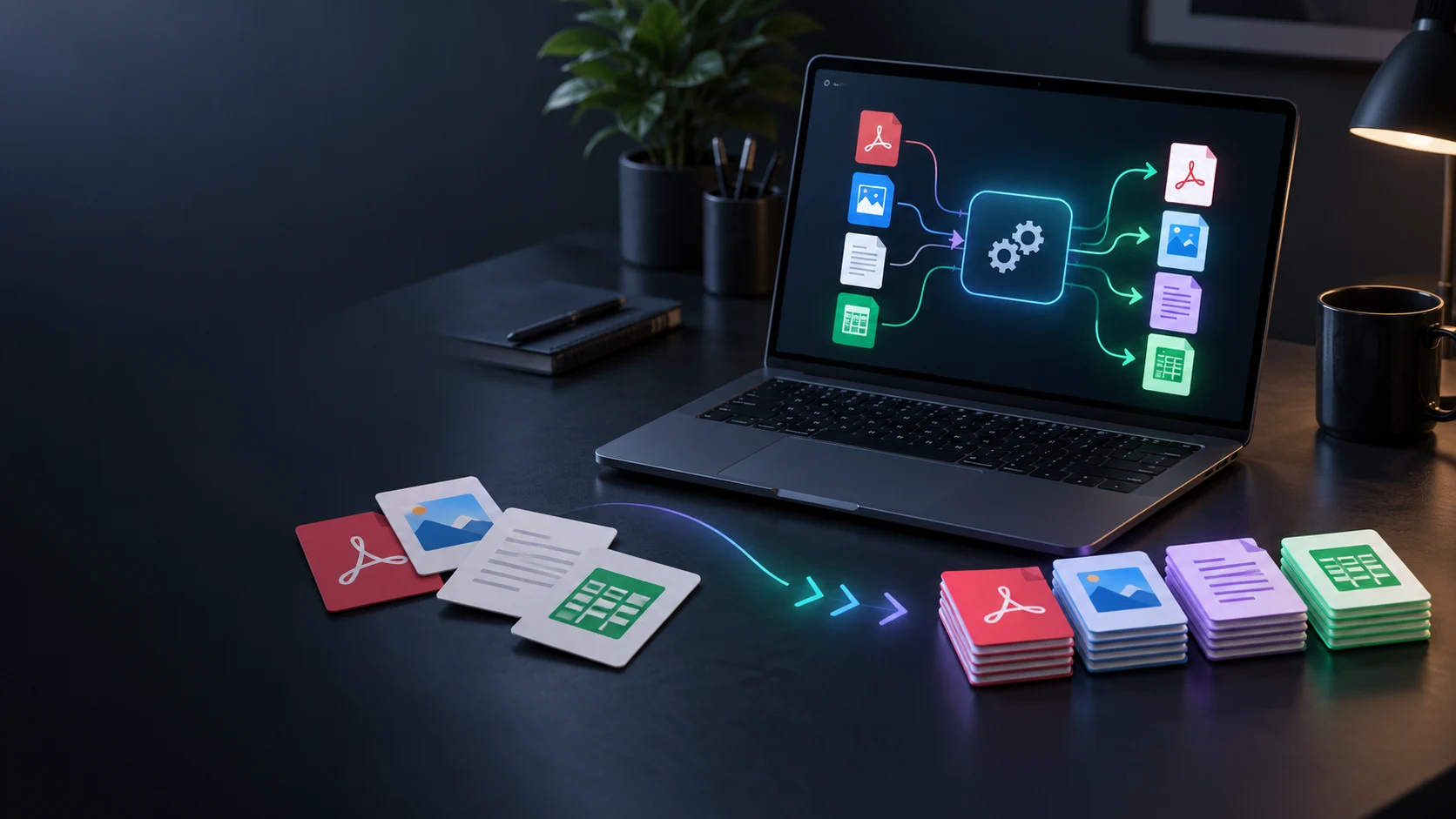
Convert compatible documents, data, images, audio and video locally.
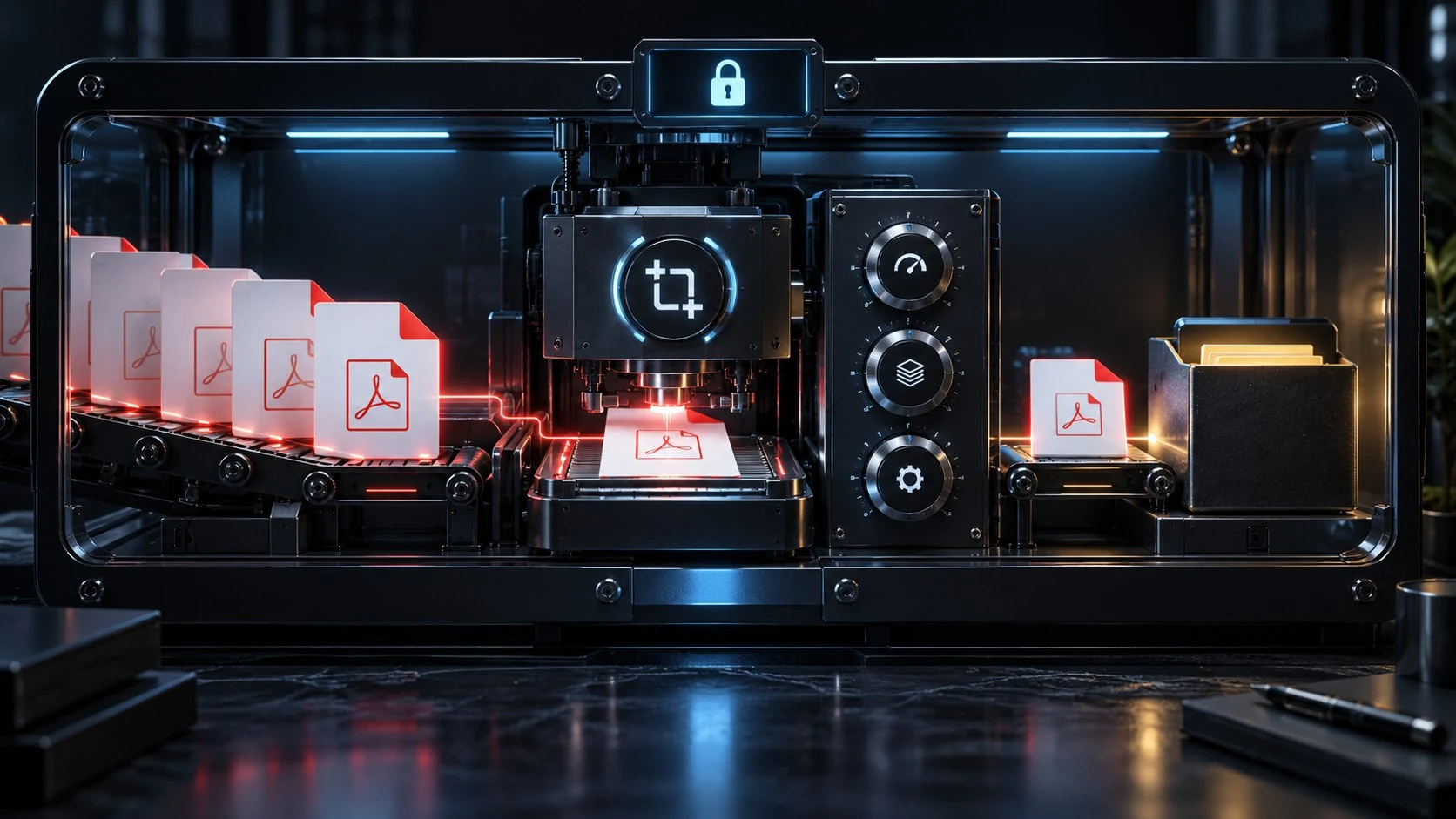
Prepare documents with focused local PDF tools.
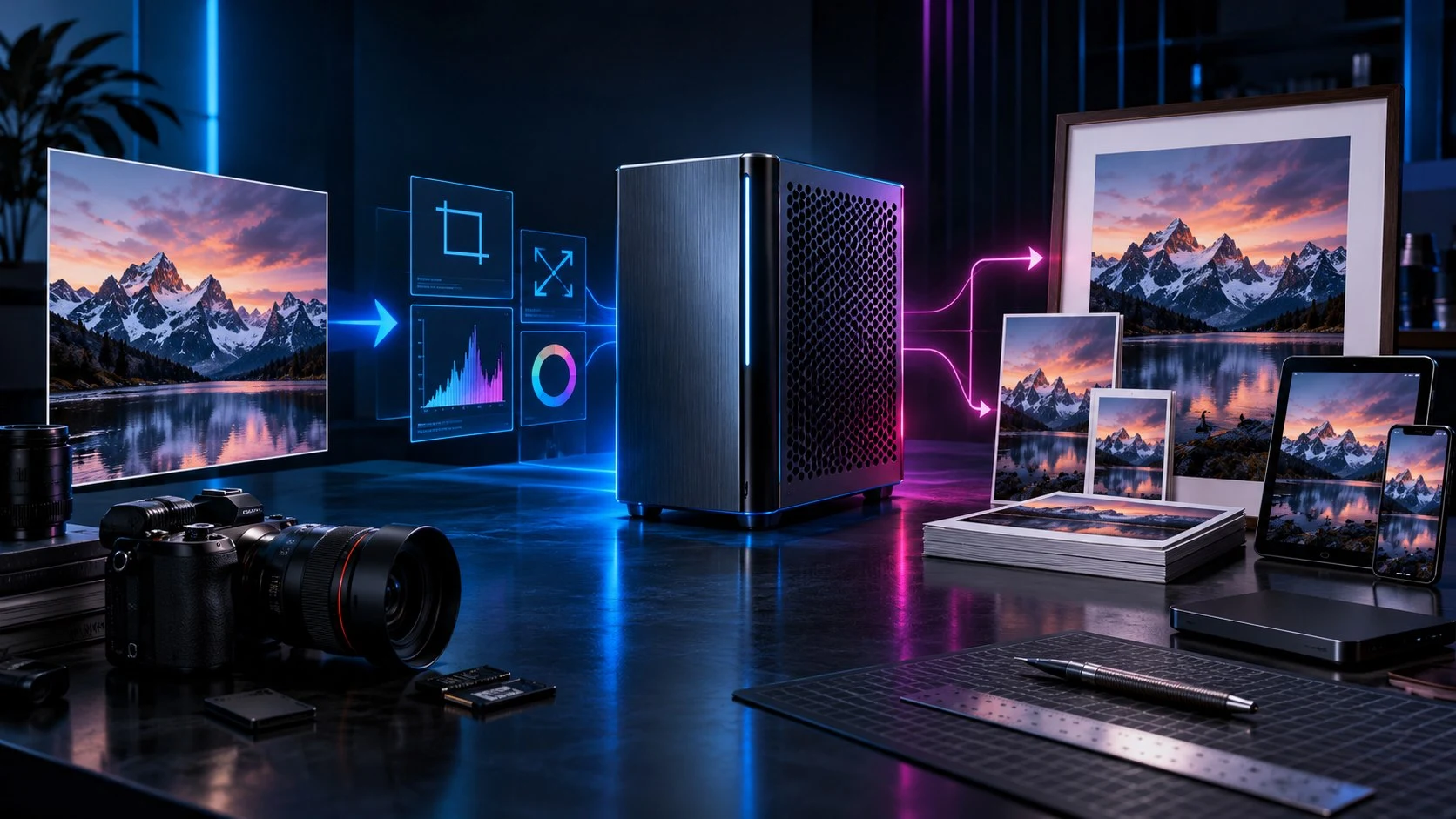
Resize, crop, convert and prepare image copies locally.
Product artwork illustrates capabilities, not application screens or actual customer protection status.
Quick answers
The offer, price, device scope and enquiry route in plain language.
The current Managed PC Protection offer includes professional-grade protection, professional management, continuous monitoring and email support. Enquire with your device details so VISINVOKE can confirm the setup and service scope for your computer.
Managed PC Protection is US$9.99 per active supported Windows PC, per month. Track, Lock & Wipe is a separate service. Confirm setup requirements and any applicable terms with VISINVOKE before proceeding.
Use the Enquire about protection button to open a pre-filled email to support@visinvoke.com. Include the number of computers, your country and relevant device details. Sending the enquiry does not automatically buy or install the service.
The current service model is for supported Windows desktops and laptops. Confirm compatibility for your actual device with VISINVOKE. This page does not offer protection for every operating system or guarantee service in every country.
No. A VISINVOKE account gives you account access; it does not automatically enrol a computer, install protection or confirm an active service. Follow the setup instructions agreed for the intended PC.
No. Computer protection cannot guarantee every incident is prevented or recover lost files. Keep separate backups and safe computing practices. Track, Lock & Wipe addresses a different loss-and-theft use case and is not included in Managed PC Protection.
Continue in VISINVOKE
Create a free VISINVOKE account or sign in to reach Security. Enquire first about protection for your intended PCs.
Account access and Desktop Command Centre are not protection installation. Follow the agreed setup for your PC.